 OpenOTA
Ship React Native updates
instantly — no app store wait
In short: OpenOTA pushes JS/asset updates straight to installed React Native apps — usually live in under a minute — the same way a social app refreshes your feed, not the way an app store update works.
OpenOTA delivers JS bundle updates over the air — instantly, verified, and reversible. Build a signed bundle, push it to your own server, and let installed apps sync, verify, and roll back on their own. Self-host it in ten minutes, or use OpenOTA Cloud and skip the infrastructure entirely.
$ openota release --platform android
✔ Bundle created
✔ Manifest generated · SHA256 verified
✔ Uploaded to project-scoped storage
# live on every device within seconds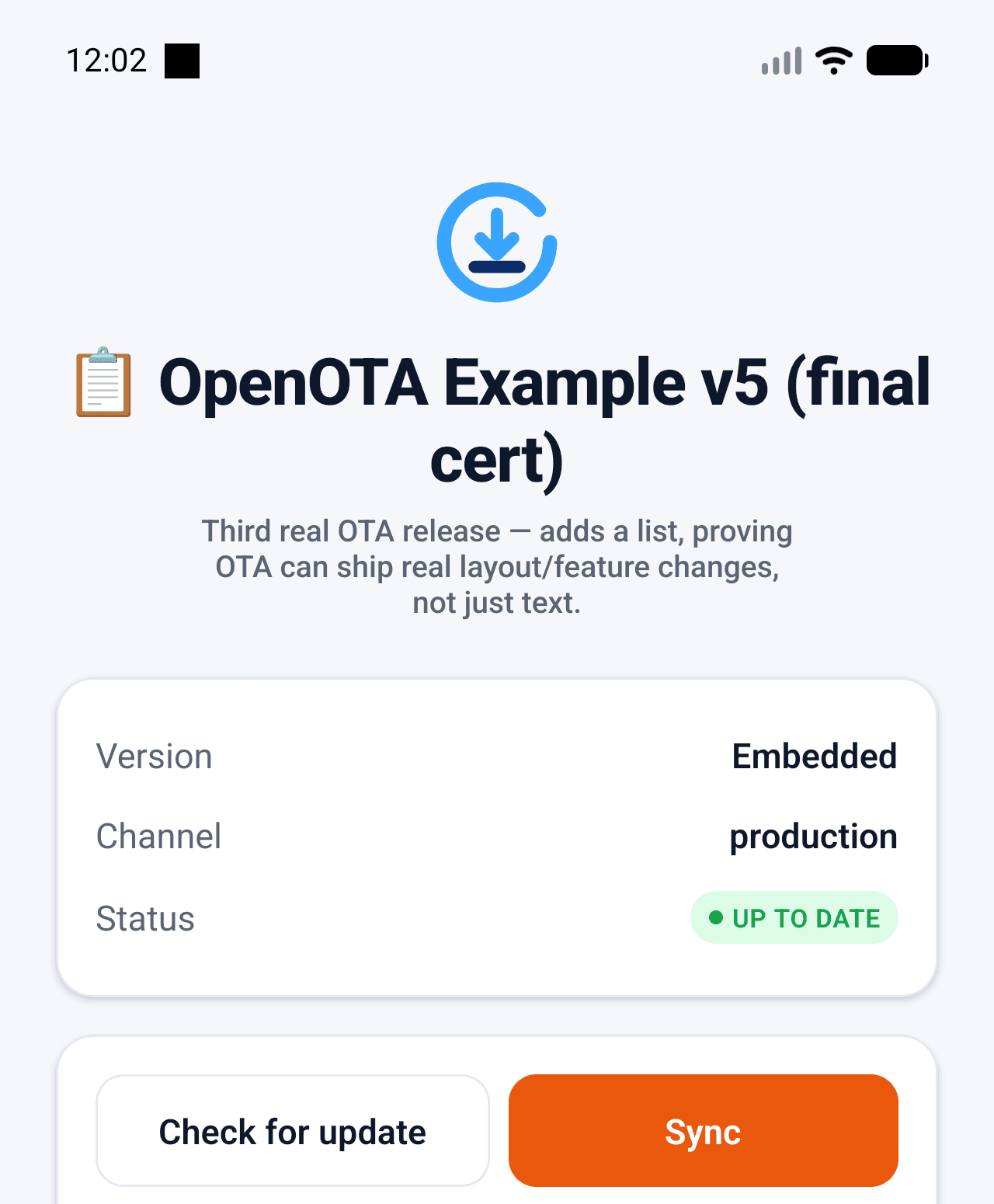
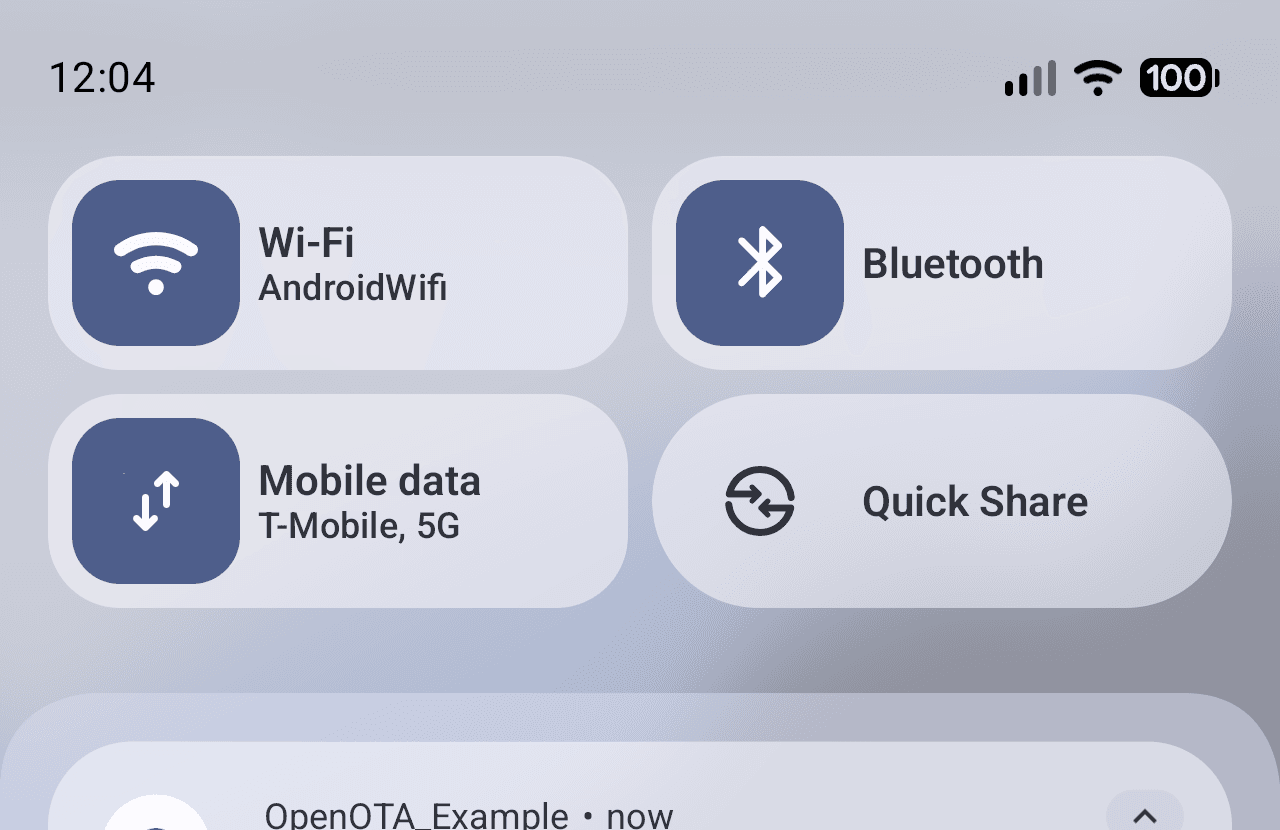
Real screenshots, not mockups — captured from OpenOTA_Example, our own reference React Native app, during a live end-to-end test: publish a release, receive a real push notification, verify and activate on-device.
crypto module server-side and the platform's native implementation on-device — no custom or unvetted hashing.If you've never shipped an OTA update before, start here.
The App Store review queue is slow
A one-line copy fix or a critical bug patch can sit in review for days. OpenOTA ships the JS change directly to installed apps — no binary resubmission, no waiting on a reviewer.
But not every change should skip review
Native code, new permissions, and anything Apple/Google require review for still goes through the store as normal. OpenOTA only ever touches the JS bundle — that boundary is enforced by the runtime, not a policy you have to remember.
"It worked in staging" isn't good enough
Every device independently re-verifies the SHA-256 checksum of what it downloaded before running it — the server's word alone is never trusted. If a release is bad, rollback is a local pointer swap, not a re-deploy.
Everything an OTA pipeline needs
Built for teams who ship fast and can't afford a broken release to sit in the wild.
- 01
Instant OTA updates
Ship JS bundle changes to every device in seconds — no app store review, no waiting.
- 02
Native rollback
Rolling back happens entirely on-device, no server round-trip, no re-download.
- 03
SHA-256 verified
Every bundle is checksummed end to end so a corrupted or tampered package never installs.
- 04
Project isolation
Each project gets its own scoped API keys and storage namespace — no cross-tenant leakage.
- 05
CLI-first workflow
`openota release` is the whole deploy step. Fits any CI pipeline you already run.
- 06
Self-host or Cloud
Run it on your own infrastructure today, or use OpenOTA Cloud when you don't want to — same server code, same SDK, either way.
- 07
Real-time delivery
A release reaches an already-open app over a live connection — no waiting for the next launch.
- 08
Sign in with Google
One click on the dashboard — links to your existing account if the email already matches.
Five steps, one command, no black box.
openota release builds and uploads a versioned bundle; every installed app runs the same five steps to adopt it.
- 1
Build
Metro bundles JS + assets, hashes the output, writes a versioned manifest.
- 2
Check
Device asks your server for the active version against its own runtime version.
- 3
Download
Package streams to disk with live progress, resumable on flaky networks.
- 4
Verify
SHA-256 of the extracted bundle is checked against the signed manifest before anything runs.
- 5
Activate
Bundle swaps in on next launch; a boot-loop trips automatic rollback to the last good version.
{
  manifestVersion: 1,  bundleVersion: "1.2.0",  platform: "android",  runtimeVersion: "1.0.0",  downloadUrl: "/packages/android/1.2.0/download",  sha256: "0d04b2f7…c9a8",  size: 1401005,  activatedAt: "2026-08-10T00:41:22Z"}
Three commands to your first release
Nothing to configure beyond this — no dashboard click required first.
OpenOTA vs. a hosted-only OTA vendor
Same category as CodePush or Expo Updates — the difference is what you own.
| OOpenOTA | Typical hosted vendor | |
|---|---|---|
| Where your data lives | Your server (self-hosted) or your own OpenOTA Cloud project | Vendor's servers, always |
| Vendor lock-in | None — plain REST API, open source, MIT licensed | Tied to the vendor's platform and pricing |
| Rollback | Instant, on-device, no re-download | Varies — often a new deploy |
| Bundle verification | SHA-256 re-checked on-device before running | Varies by provider |
| Self-hosting | First-class — same server code as Cloud | Usually not offered |
Frequently asked
Is this the same idea as CodePush or Expo Updates?
Yes, same category — ship JS updates without an app store review. The differences: you own the server (self-host it or use OpenOTA Cloud, identical API either way), it's MIT-licensed and open source, and every device independently re-verifies a bundle's checksum before running it rather than trusting the server.
Can I use this to skip App Store / Play Store review entirely?
No — and neither can any OTA tool. Only JavaScript/asset changes can ship this way, by design and by platform policy. Native code changes, new permissions, and anything else that changes the compiled binary still require a normal store submission.
What happens if a bad update ships?
The native runtime tracks boot health — a bundle that crashes on launch triggers automatic rollback to the last known-good version, on-device, without waiting on you. You can also roll back manually from the CLI or the Cloud dashboard, which is a pointer change, not a new deploy.
Do I need OpenOTA Cloud, or can I run this myself?
Self-hosting is a first-class path, not an afterthought — docker compose up and you're running the exact same server code as Cloud. Use Cloud only if you'd rather not operate the infrastructure yourself.
What does my React Native app actually need to install?
The @openota/sdk package plus a handful of native modules it depends on (storage, filesystem, zip extraction, checksum verification) — see the full list and required native-rebuild steps on the docs page.
Ready to ship your first OTA update?
Self-host OpenOTA in minutes, or spin up a project on OpenOTA Cloud — same SDK, same CLI, either way.